Visual Asset Strategic Tools. Capture Building Information for Building Life Management. Open Source/Low Cost Technology Solutions for you to control your buildings
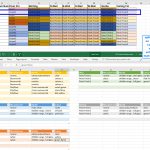
The last post I tried to use AirTable to create a Colour Schedule from a Revit export. Thinking I could use the Database to cross reference items in the room such as doors/windows etc to be able to pull those in to make the colour scheme planning more comprehensive. It didn’t work. Along the way
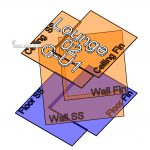
Background I have written a post on showing internal building fabric condition over time in this article Revit Internal Condition over Time.I was not, at the time, happy with the presentation of the information as it was a series of screenshots that I then put in as slides to step through the process. Two things
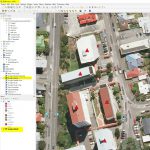
I thought I’d have a look at QGis again now that it has been updated. I’m always wow’d by what people can do with the GIS mapping. Unfortunately for me I’m an amateur playing in this area. I did a cartography course at Uni way back and enjoy exploring some mapping tools. As QGis and
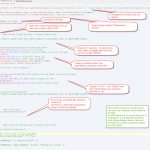
AutoIt v3 is a freeware BASIC-like scripting language designed for automating the Windows GUI and general scripting. It uses a combination of simulated keystrokes, mouse movement and window/control manipulation in order to automate tasks in a way not possible or reliable with other languages (e.g. VBScript and SendKeys). AutoIt is also very small, self-contained and
Macro Tools Following on from Macro productivity tools using AlternativeTo I came across: SikuliX automates anything you see on the screen of your desktop computer running Windows, Mac or some Linux/Unix. It uses image recognition powered by OpenCV to identify and control GUI components. This is handy in cases when there is no easy access to
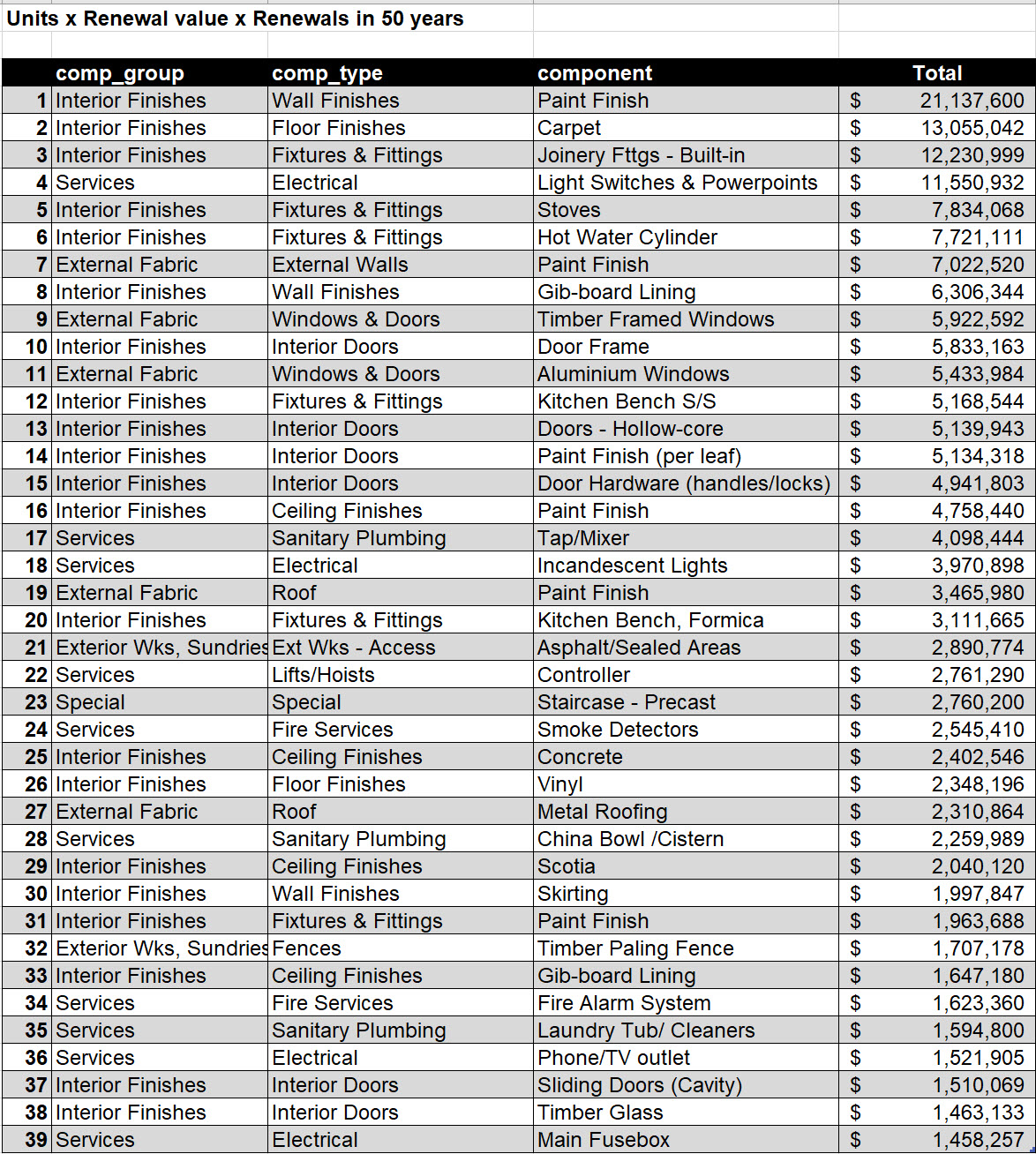
While at Wellington City Council working on Strategic Assets, one of the exercises of the Building Asset Team Leader, Tane Dunne, was to work out what the top major cost items were for the assets over a period of time, in this case 50 years. The assets were captured by the SPM survey team of
It’s not often one comes across a tool that looks really really interesting where you think you can get some great leverage, but from what I have seen so far Coda.io looks really useful. I’m even starting this post off with a Part 1 as I expect to be doing quite a lot of exploration
Capturing auditoria, theatres etc for AM/FM and for ongoing use of the model for seating planning can be useful. With numbered seating you can allocate different prices for different seating, you can also change pricing for different event configurations for multi-purpose arrangements.I have done seating on a number of buildings in Wellington when working for
Web Scraper I was looking at Firefox addins and came across a couple of web scraping add ins. Data scrapper and web scraper. The first one I couldn’t get working and the 2nd one I had to watch a video before I could get the settings sorted. Recently, about 4 months ago, I added a
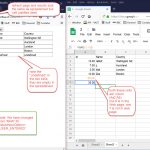
Following on from the previous post I want to try and be able to update a Google Sheet from a web page via the link. I will be following this video: Unfortunately there is not a link to code for this addition, unlike videos 1 & 2 so I’ll need to write it from looking