Visual Asset Strategic Tools. Capture Building Information for Building Life Management. Open Source/Low Cost Technology Solutions for you to control your buildings
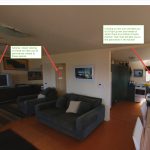
The new photo sphere viewer by Jeremy Heleine allows you to put Markers on your Panorama . See demo here. I think that is pretty cool and I wondered if you could make them into Hyperlinks to link other panoramas to make a virtual tour. So I did some tests. My previous way to be
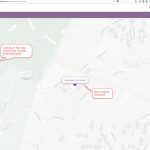
I had a couple of attempts at creating a mobile phone app for surveys. See this post and this one. I got distracted by the CRUD process and let it rest for a while. Whilst looking for some Python Mapping tools, I came across this article regarding capturing GPS data and was taken with the
This is the LINK to the report. The idea is to use powerBI to display data about different elements on a Dashboard so you can drill into the data. In the above screenshot I have tables showing Standard, Upper & Lower Baselife Data with conditions by colour and a map referencing where the properties are
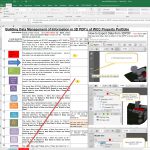
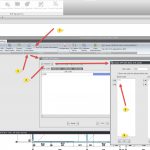
Please download and play with the data extraction process from 3D PDF’s to Excel. This is a a reduced functionality demonstration version of the Excel Macro developed for extracting information from 3D PDF’s. The Macro only works on Room data from the 3D PDF’s. There are also samples of 3D PDF files with Data &
Most Asset Management Property Portfolios will consist of existing buildings. Generally new buildings coming into the portfolio will be a small percentage of the total. Information about existing buildings will most probably be scanned (Raster) plans and documents from the original As-Built construction drawing set, with some small updates in CAD (Computer Aided Drawing). This
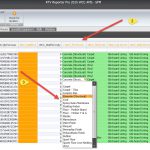
RTV Reporter Pro Setup has interface in Revit & Database behind. Database to be called RTV_ReporterPro_SPM to have connection. If it does not exist it is supposed to Create it (when you start RTV Reporter Pro in Revit for first time), but it errored out when I re-named the original one and tried that. Inside
Note, these are my personal views and I am getting no remuneration from any of the products organizations below. There usually pops up a post/article about a list of add-ins for Revit that you find to help you in your workflow. Most of the ones are directed at day to day design workflow. ArchSmarter via
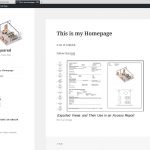
This video is an overview of how to set up WordPress. It follows on from How to Setup a totally free self hosted website Video (34.24Min) The first post told you how to set up the site. This one tells you how to use the WordPress programme to adapt it to what YOU want to do
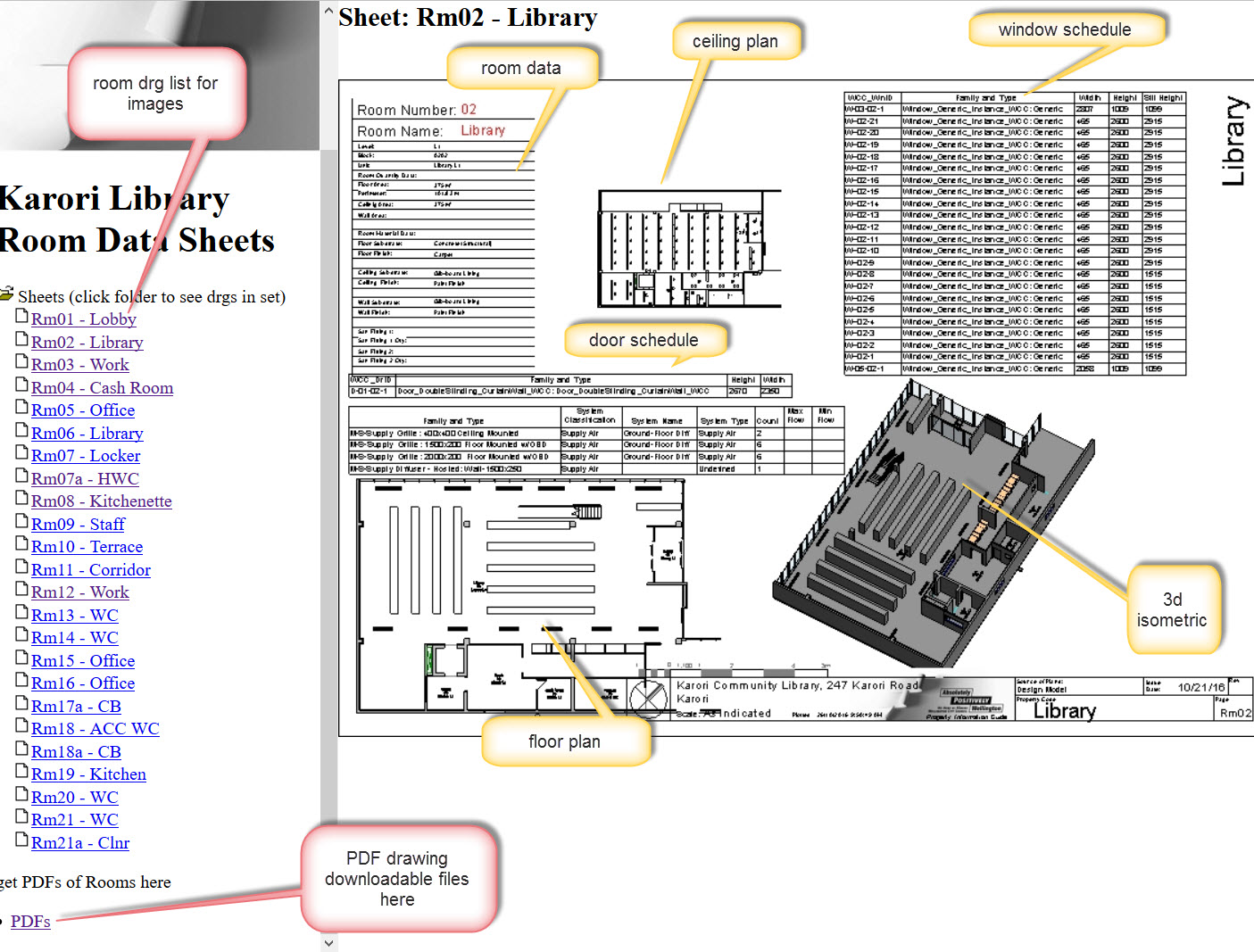
Update October 2019. Mario Guttman has very generously made Revit Whitefeet Plugin –All versions free. Go here to see about it. Well worth having an explore with these tools as they are practical and useful. Thank you Mario. Video (13. 28Min) Room Data Sheets are useful, they describe the room in a multitude of detail
“A rose by any other name would smell as sweet” Juliet in William Shakespeare’s play Romeo and Juliet What to call a domain name for your site? I’d suggest you do a bit of research on that. At the bottom of the page is my experiences with site naming, definitely not the most successful. All