Visual Asset Strategic Tools. Capture Building Information for Building Life Management. Open Source/Low Cost Technology Solutions for you to control your buildings
Note, these are my personal views and I am getting no remuneration from any of the products organizations below. There usually pops up a post/article about a list of add-ins for Revit that you find to help you in your workflow. Most of the ones are directed at day to day design workflow. ArchSmarter via
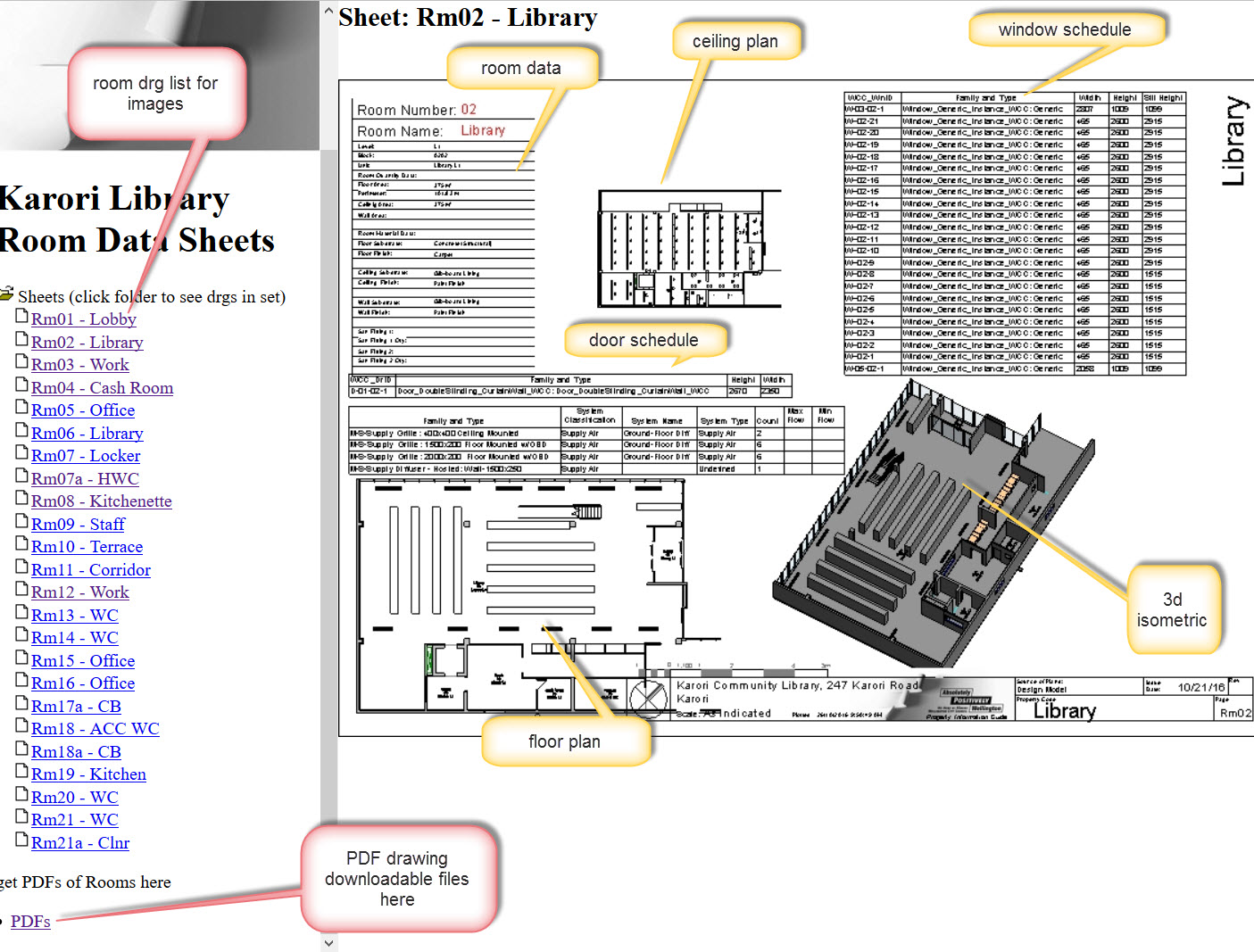
Update October 2019. Mario Guttman has very generously made Revit Whitefeet Plugin –All versions free. Go here to see about it. Well worth having an explore with these tools as they are practical and useful. Thank you Mario. Video (13. 28Min) Room Data Sheets are useful, they describe the room in a multitude of detail
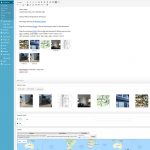
This post follows on from Totally FREE Property Management Information Site (apart from your time) Part 1 Video (6.16Min) The main property plugin is this one: WP-Property-Property and Real Estate Management Plugin for WordPress. Create a directory of real estate / rental properties and integrate them into you WordPress CMS. There is a video on
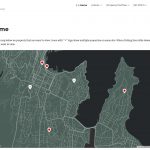
I have a Property Information Demonstration Site that can hold information on properties in a portfolio. Video ( 9.30Min) Being currently unemployed I have time to explore the AM/FM visualisation area that I am interested in. Tools that I use need to be either free or common. On WordPress sites I am always looking for
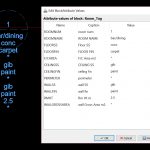
Following on from CAD Data to Excel for Asset Management where I created a BLOCK with ATTRIBUTES and exported that information from a CAD file to a TXT file which was then viewed in Excel. I altered the CASE on a couple of items and deleted one cell so its blank. I then looked at
In the previous post How to show CAD drawings on a Web Page I talked about posting CAD drawings to a web page for access to the information. In this post I want to talk about having Data in the CAD file that you can extract to Excel. In DraftSight you can create attribute blocks
After my posts on BricsCAD SHAPE & DraftSight renewed my interest in CAD drawings I started to look at another couple of things about CAD drawings. I looked at extracting data from a PDF file, similar to what I am doing with 3D PDF’s with BIM model. From preliminary reading, extracting Attributes out of Cad
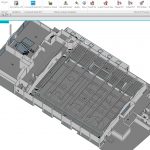
This is the 3rd part of 3 videos. Video (17.11 min) In this video I show how to export from Revit to 3D PDF using SimLab 3D PDF exporter ( $199US for Machine licence (2 machines)) . You can try before you buy & there are other PDF creators. I just found this product to
This is the 2nd part of 3 videos. Video (8.58 min) In this video we take the information we exported from the 3D PDF to CSV file and manage that data in the Excel Macro file. We order that information by category so that it is easy to use. The power of the 3D PDF
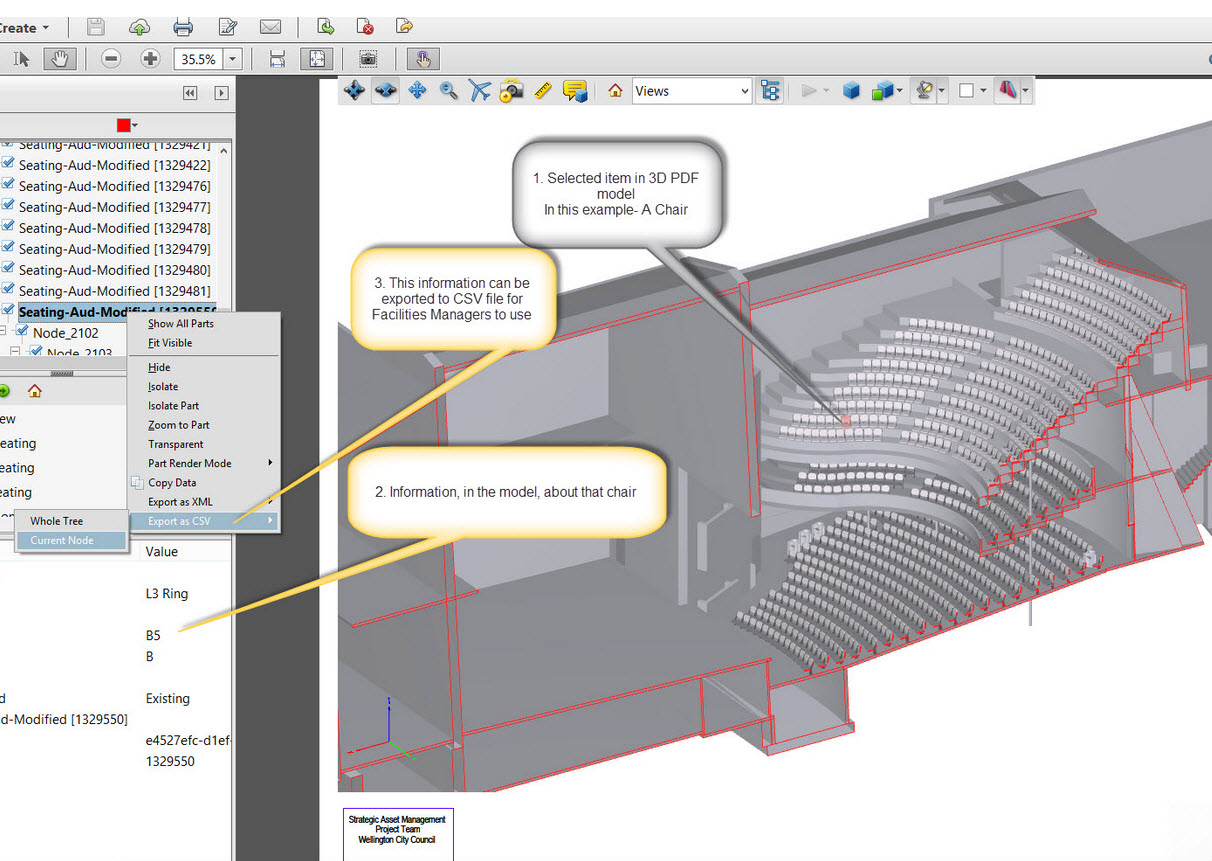
This is the first part of 3 videos. Video (5.40 min) This video shows how to explore 3d pdfs that have been created from Revit BIM. Data created in Revit can be copied into the 3D PDF. We can use the 3D PDF to export this information further to an Excel Macro Sheet where we