Skip to content

Vast

Visual Asset Strategic Tools. Capture Building Information for Building Life Management. Open Source/Low Cost Technology Solutions for you to control your buildings
Menu
  • 🏠Home
  • 📚 Books & Courses
  • ✏️ Services
    • ☮-Put Your Home in Your Hand
    • ✝ Your Room Data/Sheets at your fingertips
      • Estimate Form- Sheets or create Room Data Sheets for Browser Viewing
      • Quote request for Sheet Sets
    • ☪-Raster Scan to BIM
    • ♈-BIM access for all. 3D PDF’s with BIM data and geometry
      • Estimate form- 3D PDF’s
      • Quote for 3D PDF
    • ☯-Heatmaps with Elemental Condition over Time
    • 🗺️ Maps with linked asset information
    • ✡-3D PDF’s data extraction via Excel macro for analysis & bidding
    • 🧭-Navigate your Panoramas effortlessly
      • ⚜-Maps visualising Asset condition over time
      • Estimate Form-Panoramas for Browser Viewing
      • Quote Form for Panoramas
    • ⛩️-BIM or CAD data extraction to Excel or DB
    • ♻- Tool to map validated data from Revit models to AMIS
  • 👨🏻‍🚀 About
    • Website Stats
  • ☎️ Contact
  • RSS
February 11, 2018

How to validate CAD Data after its exported

By Max Drake Data Extraction, Drawings, Visualisation  0 Comments
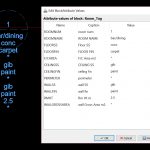
Following on from  CAD Data to Excel for Asset Management where I created a BLOCK with ATTRIBUTES and exported that information from a CAD file to a TXT file which was then viewed in Excel. I altered the CASE on a couple of items and deleted one cell so its blank. I then looked at
Read More
February 11, 2018

CAD Data to Excel for Asset Management

By Max Drake Data Extraction, Drawings, Excel, Power BI & Google Sheets, Visualisation  0 Comments
In the previous post  How to show CAD drawings on a Web Page I talked about posting CAD drawings to a web page for access to the information. In this post I want to talk about having Data in the CAD file that you can extract to Excel. In DraftSight you can create attribute blocks
Read More
February 10, 2018

How to show CAD drawings on a Web Page

By Max Drake Data Extraction, Drawings, Visualisation, Wordpress  0 Comments
After my posts on BricsCAD SHAPE & DraftSight renewed my interest in CAD drawings I started to look at another couple of things about CAD drawings. I looked at extracting data from a PDF file, similar to what I am doing with 3D PDF’s with BIM model. From preliminary reading, extracting Attributes out of Cad
Read More
February 9, 2018

How to use 3D PDF’s & Excel Macro’s to manage your assets part 3 of 3- Export from BIM

By Max Drake 3D PDF data access, Data Extraction, Drawings, Visualisation  0 Comments
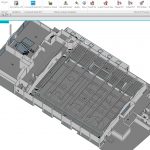
This is the 3rd part of 3 videos. Video (17.11 min) In this video I show how to export from Revit to 3D PDF using SimLab 3D PDF exporter ( $199US for Machine licence (2 machines)) . You can try before you buy & there are other PDF creators. I just found this product to
Read More
February 9, 2018

How to use 3D PDF’s & Excel Macro’s to manage your assets part 2 of 3

By Max Drake 3D PDF data access, Data Extraction, Drawings, Visualisation  0 Comments
This is the 2nd part of 3 videos. Video (8.58 min) In this video we take the information we exported from the 3D PDF to CSV file and manage that data in the Excel Macro file. We order that information by category so that it is easy to use. The power of the 3D PDF
Read More
February 9, 2018

How to use 3D PDF’s & Excel Macro’s to manage your assets part 1 of 3

By Max Drake 3D PDF data access, Data Extraction, Drawings, Visualisation  0 Comments
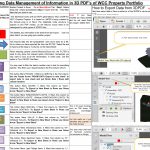
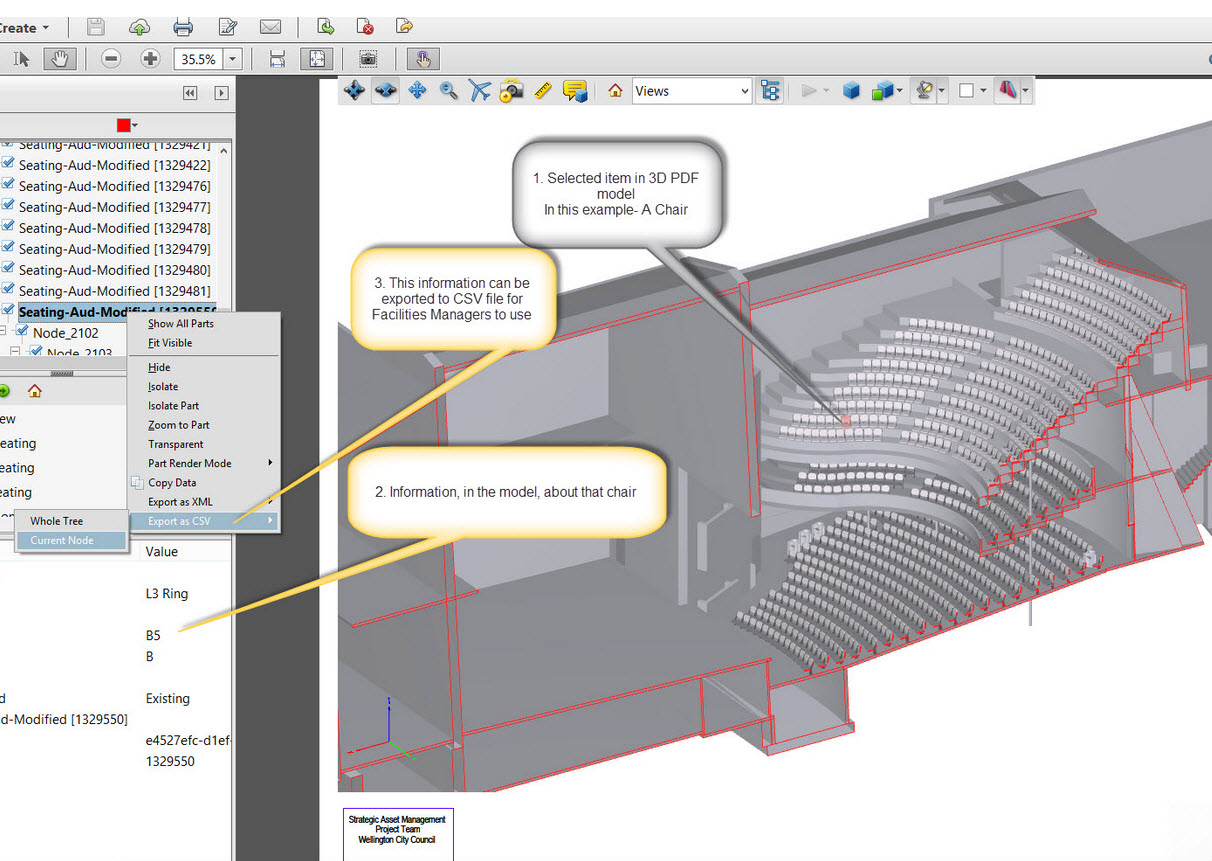
This is the first part of 3 videos. Video (5.40 min) This video shows how to explore 3d pdfs that have been created from Revit BIM. Data created in Revit can be copied into the 3D PDF.  We can use the 3D PDF to export this information further to an Excel Macro Sheet where we
Read More
February 7, 2018

How to use Maps to find Data on Assets

By Max Drake 3D PDF data access, Maps, QGis, Visualisation  0 Comments
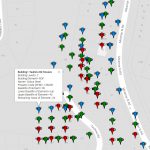
From How to visualise building condition changing over time I extended the asset base from just 3 buildings to many in this post How to visualise building data from databases. Now I would like to look at how to use Maps as a connector to link all your data together on assets so that you
Read More
February 7, 2018

How to visualise building data from databases

By Max Drake Maps, QGis, Visualisation, visualise building condition  0 Comments
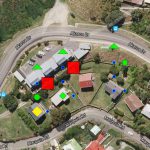
Following on from How to visualise building condition changing over time I extended the asset base from just 3 buildings to many. So the JSON file store was not the method to use, instead I looked at storing the data in a Database, in this case a MySQL database. Video (7min). My first exploration was
Read More
February 7, 2018

How to visualise building condition changing over time

By Max Drake Maps, QGis, Visualisation, visualise building condition  0 Comments
Here is a video (13 min) on a method to how to  visualise multiple building elements condition changing over time. To explore the tool go HERE. The tool is based on using the Google Maps API with javascript coding that you can find HERE. The example is based on 3 buildings external elements: Has a
Read More
February 1, 2018

An opinion on CAD & BIM pricing

By Max Drake Drawings, Visualisation  0 Comments
In the table below is the comparison of some CAD & BIM products from Dassault Systems, AutoDesk & BricsSys, and a mention of Graphisoft who conceal their price. Table Embedded Below- You can use the download button for copy of the file (14Kb) Note you may need to scroll table to right to see programme
Read More

Posts pagination

1 … 46 47 48 49 50 … 53

Max Drake

About

I am an architect, building services designer, structural draughter, educator & developer.

My current area of interest is in exploring  Asset & Facilities Management tools based on capturing information at Design/Construction phase for use throughout the life of the building. Tools I am using are open-source or common programmes to allow maximum accessibility to the information both in geometric and data format.

This has dropped me into the world of programming HTML, CSS, JavaScript, SQL, VBA, PHP & AJAX to name but a few distractions.

You can email me Here. My Blog is Here. Other Websites are Here , Here & Here

Vast Copyright © 2025.
Theme by MyThemeShop. Back to Top ↑